At Microzensys Solutions Pvt Ltd, protecting our company information, customer data, and digital assets is everyone's responsibility.
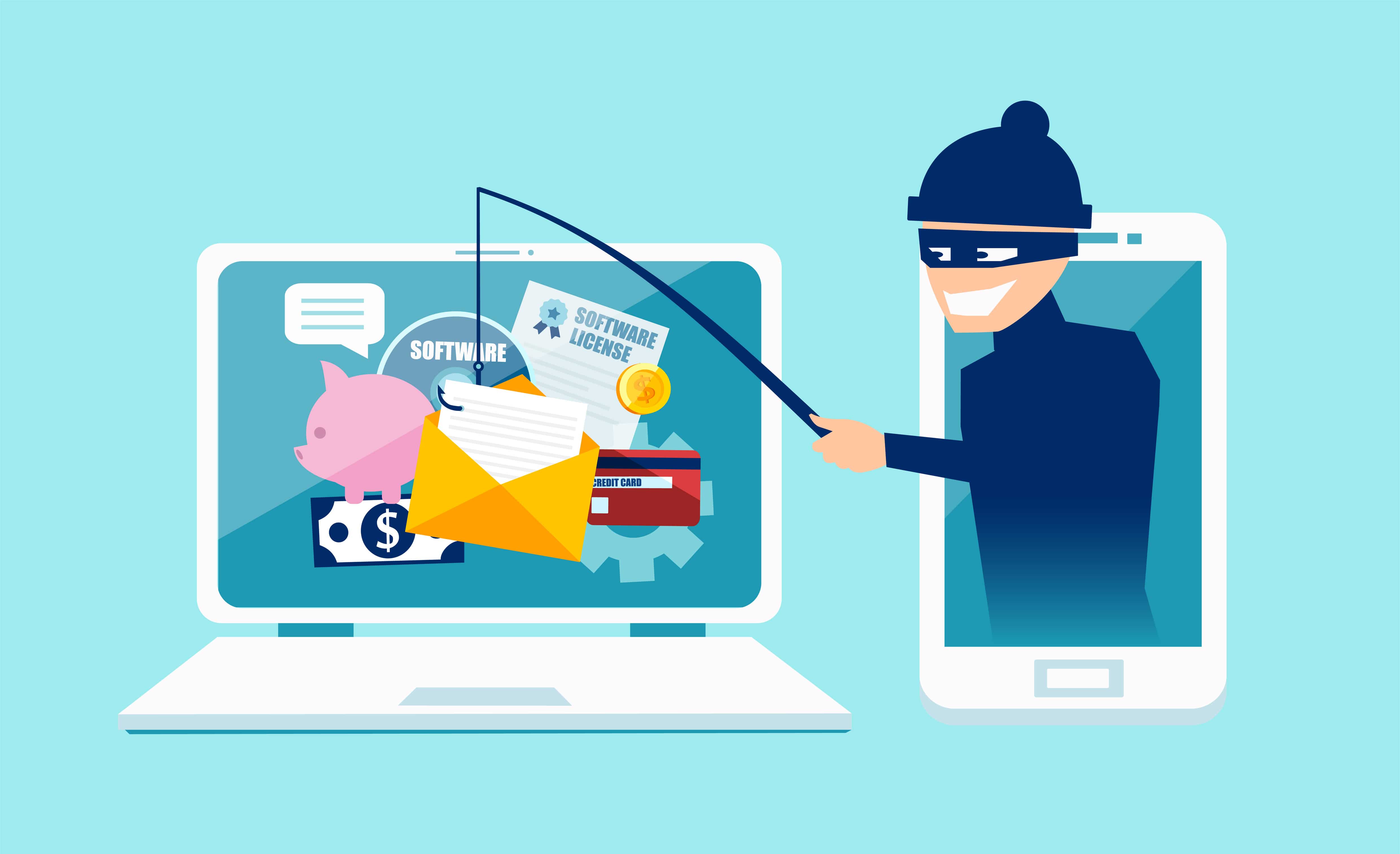
We have observed an increase in phishing attempts targeting organizations worldwide. Please remain vigilant when receiving emails from unknown or unexpected senders.
? How to Identify a Legitimate Email
Before taking any action, verify that the sender's email address belongs to the official organization.

- Email domain matches the official company domain
- Expected communication from a known contact
- No suspicious links or attachments
- Professional language and branding
Example:
support@microzensys.in
?? Warning Signs of a Phishing Email

- Misspelled or suspicious sender domains
- Requests for passwords, OTPs, or sensitive information
- Unexpected invoices, attachments, or payment requests
- Urgent or threatening language
- Links redirecting to unknown websites
Examples of suspicious sender addresses:
support@microzenzys.in
hr@microzensys-security.com
admin.microzensys@gmail.com
?? Verify the Actual Sender Address
Cybercriminals often use trusted display names while hiding a fraudulent email address.
Display Name: Microzensys HR Team
Actual Email: fakehr@unknown-domain.com
Always click or hover over the sender information to verify the complete email address before responding.
?? Security Best Practices
- Never share passwords, OTPs, or MFA codes via email.
- Verify financial requests through official channels.
- Inspect links before clicking.
- Be cautious of urgent requests demanding immediate action.
- Report suspicious emails immediately to the IT Team.
If you receive a suspicious email, do not click links, download attachments, or reply to the sender. Report it immediately for investigation.
For assistance or to report a phishing attempt, please contact:
IT Security Team
it.support@microzensys.in
Thank you for helping protect our employees, customers, partners, and company information.
IT Security & Compliance Team
Microzensys Solutions Pvt Ltd